READY FOR iPHONE DUO
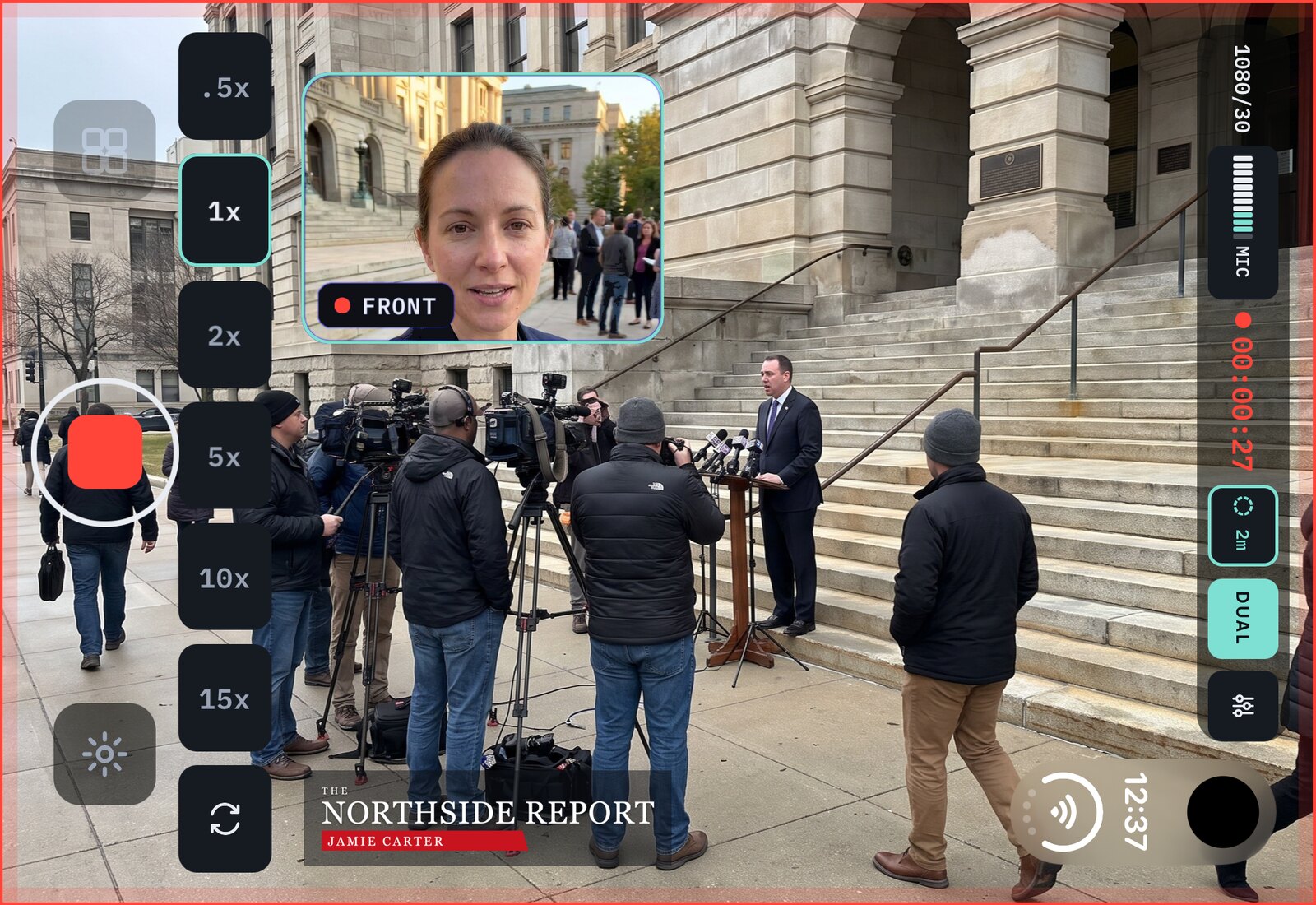
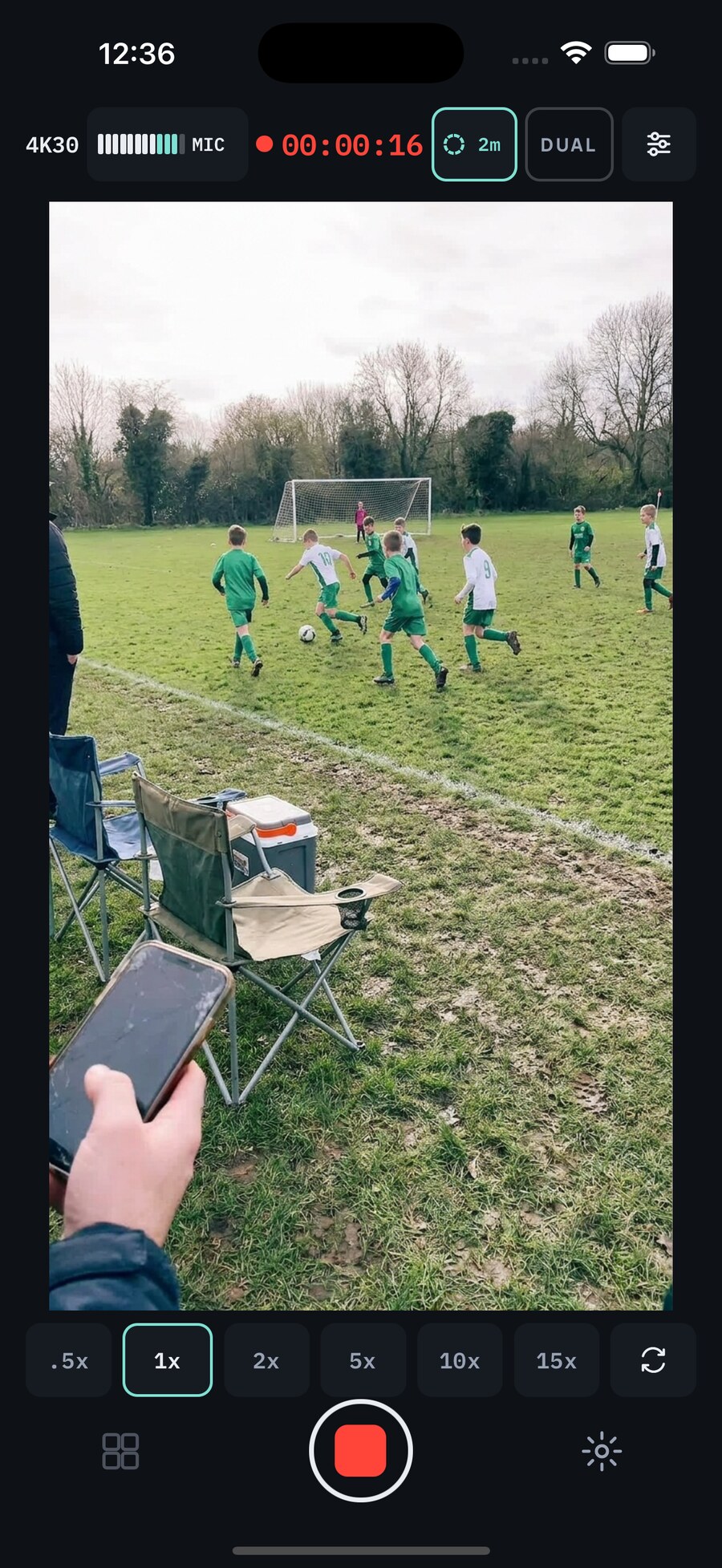
And a combined 2-shot. Doubleback records your iPhone's rear and front cameras at the same time, and you get both files untouched. Capture 2 minutes before you hit record and never miss the action again. Can your camera do that?
Free forever. iPhone 15 Pro and later.
NEW · READY FOR iPHONE DUO
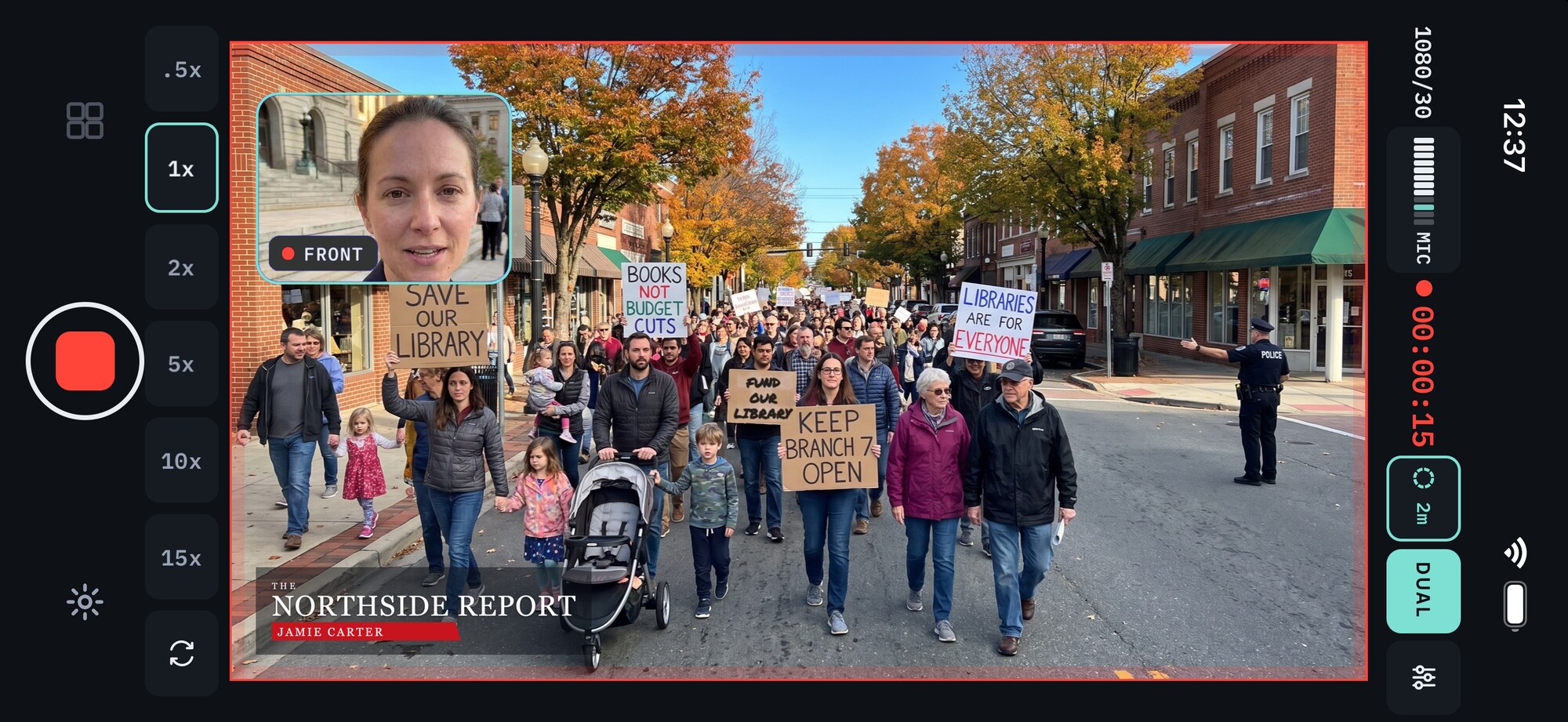
Open the Duo and Doubleback fills the whole screen. Both cameras rolling, the picture edge to edge, every control clear of the shot. We designed it from sketches before the Duo reached a single store.
See how we designed for it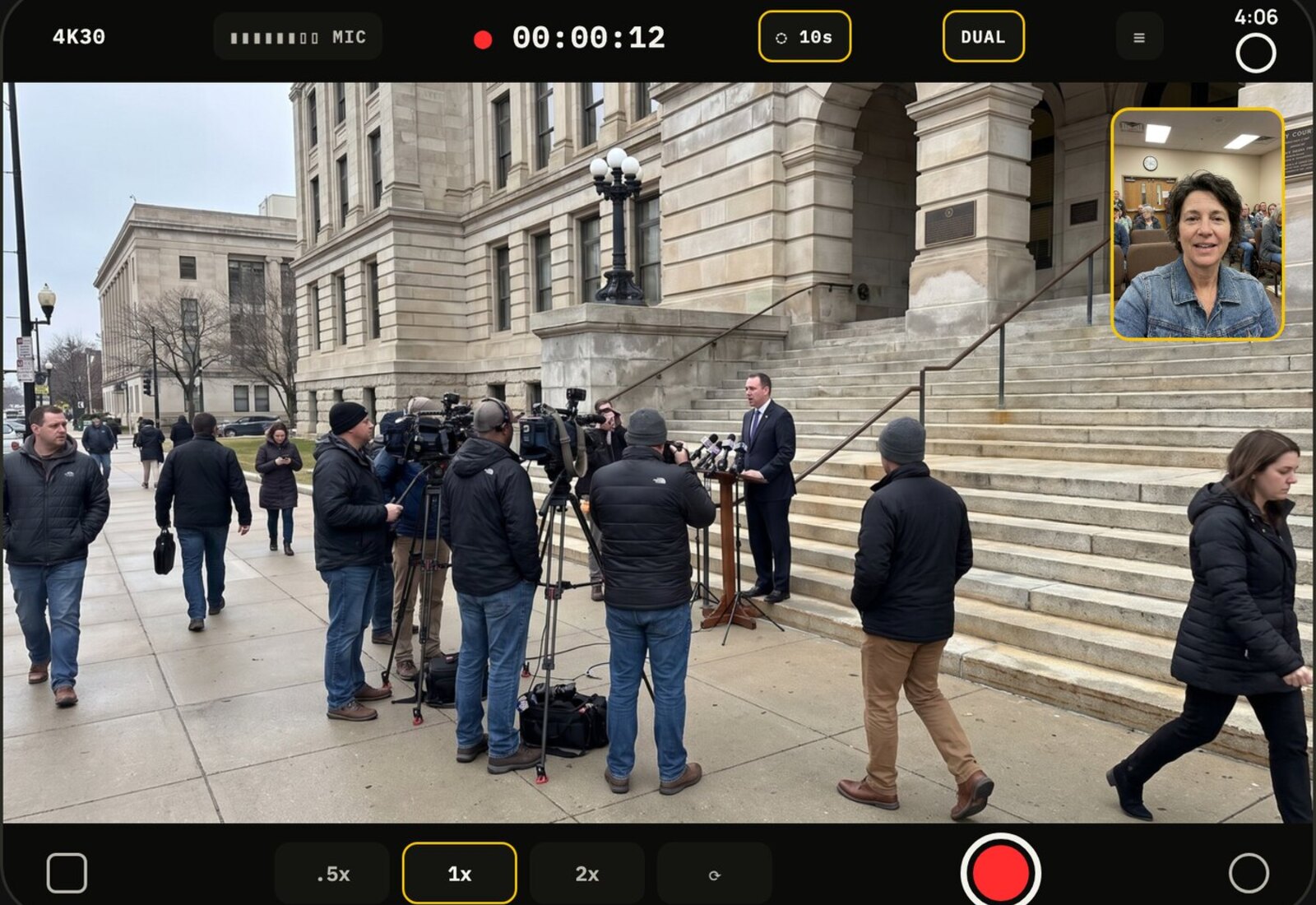
2 angles at once
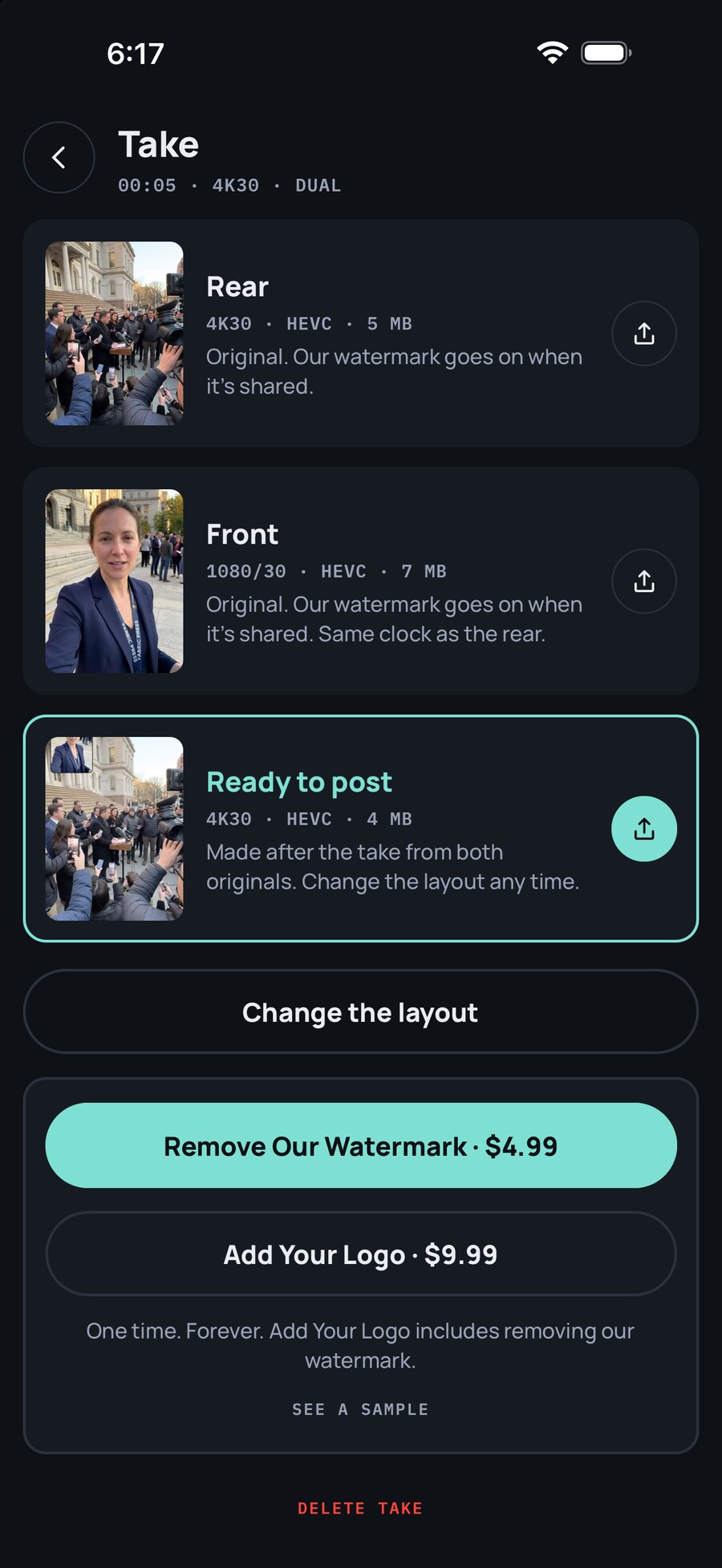
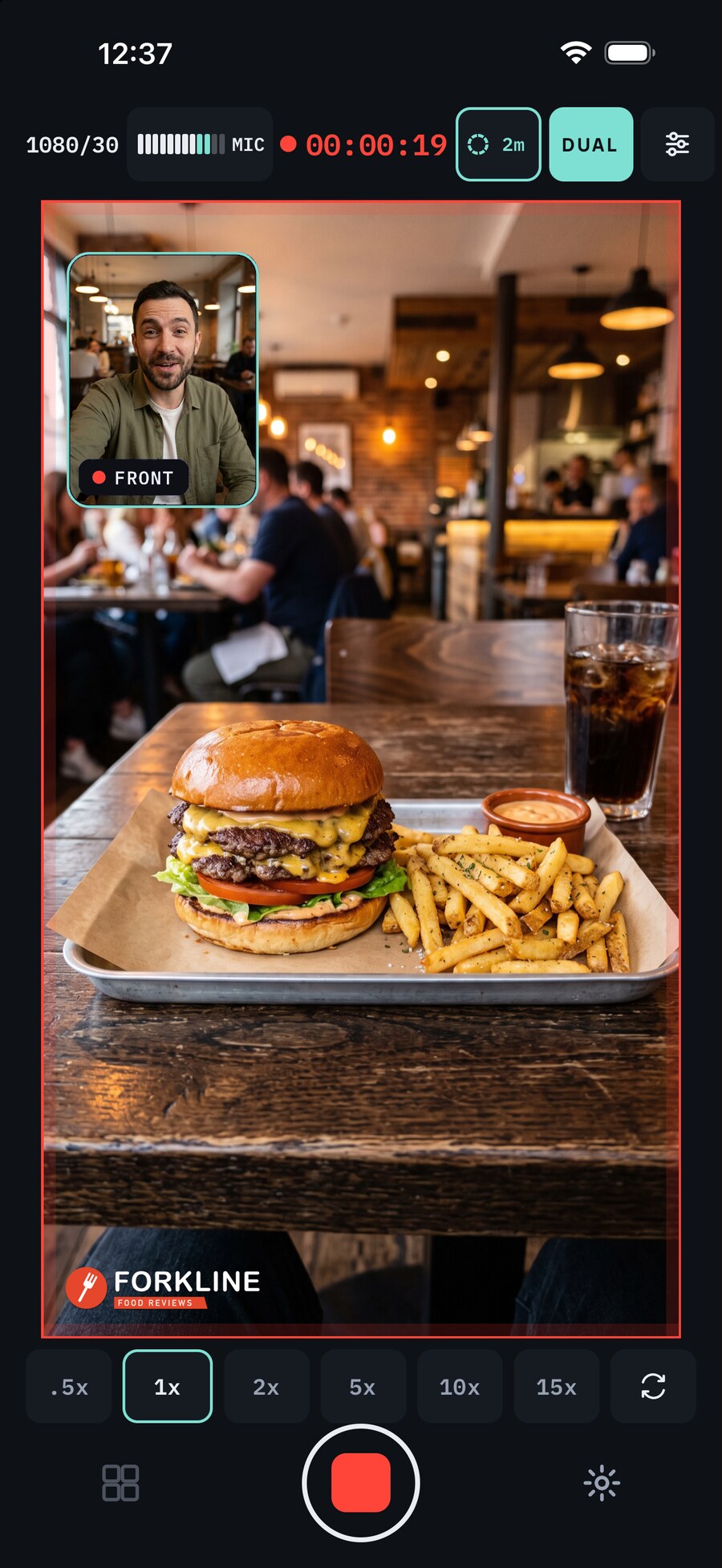
Turn on Dual and the rear and front cameras record at the same time, up to 4K on both. You get a combined 2-shot with you in the corner or in a split, ready to post the moment you stop. And you get both cameras' files untouched, so when you or your editor want to do more, you can: punch in, cut back and forth, build it your way. Post it now, edit it properly later, from the same take. Change the 2-shot's corner, size, shape or split any time and Doubleback makes a new one from the two originals. No reshoot.
Up to 2 minutes of pre-roll
Even in standby, Doubleback is capturing footage to a rolling buffer, up to two minutes of picture and sound. If the action happens before you hit record, hit it anyway. Doubleback keeps recording from that moment and adds the footage from the buffer to the start of the clip. One seamless clip, from before and after you hit record.
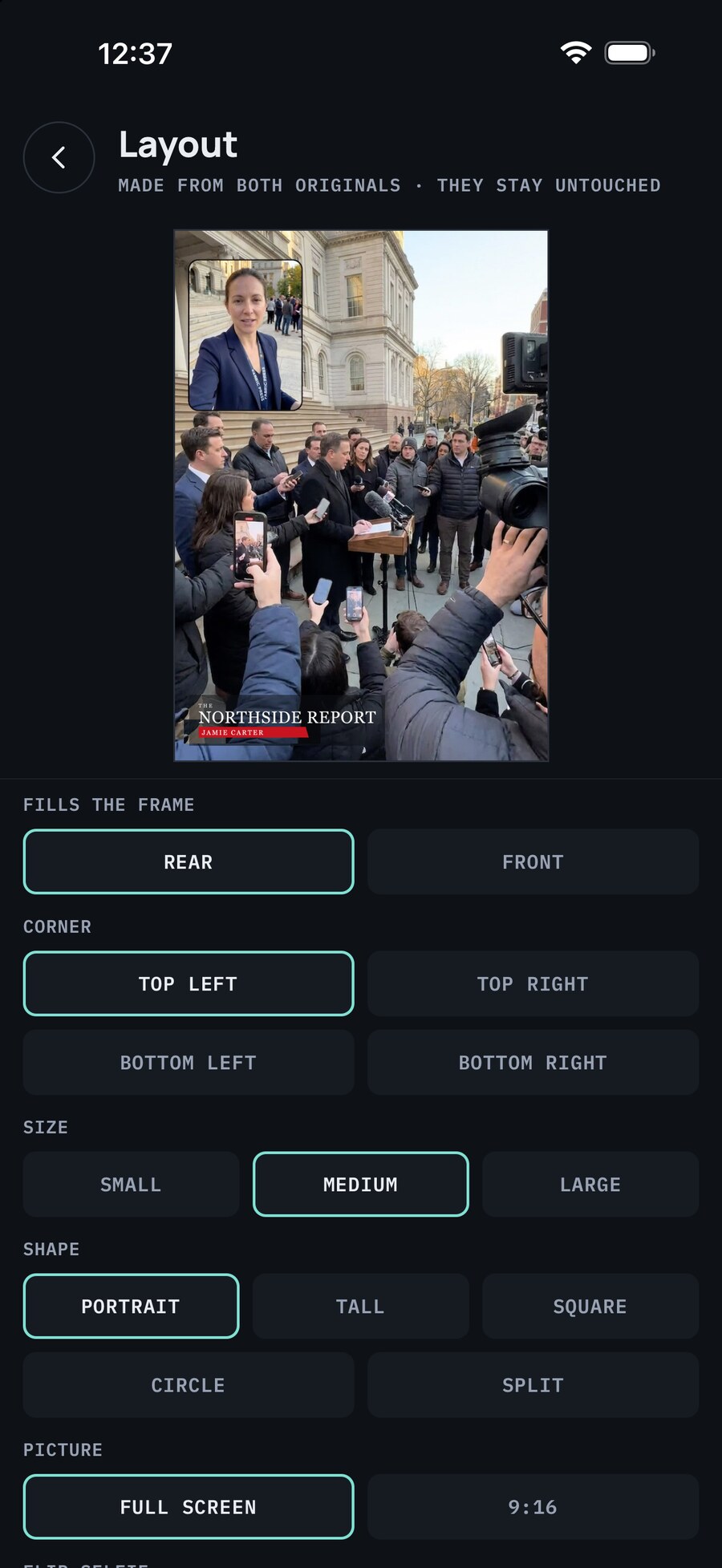
Change the layout
Pick which camera fills the frame, the corner, the size and the shape of the inset. The preview shows the finished clip before you make it. Remake it as often as you like from the two originals, which never change.
Add Your Logo · available now
Your own logo or handle, right where the Doubleback watermark would go. Every clip you share carries your name, not ours. The two original files stay clean.
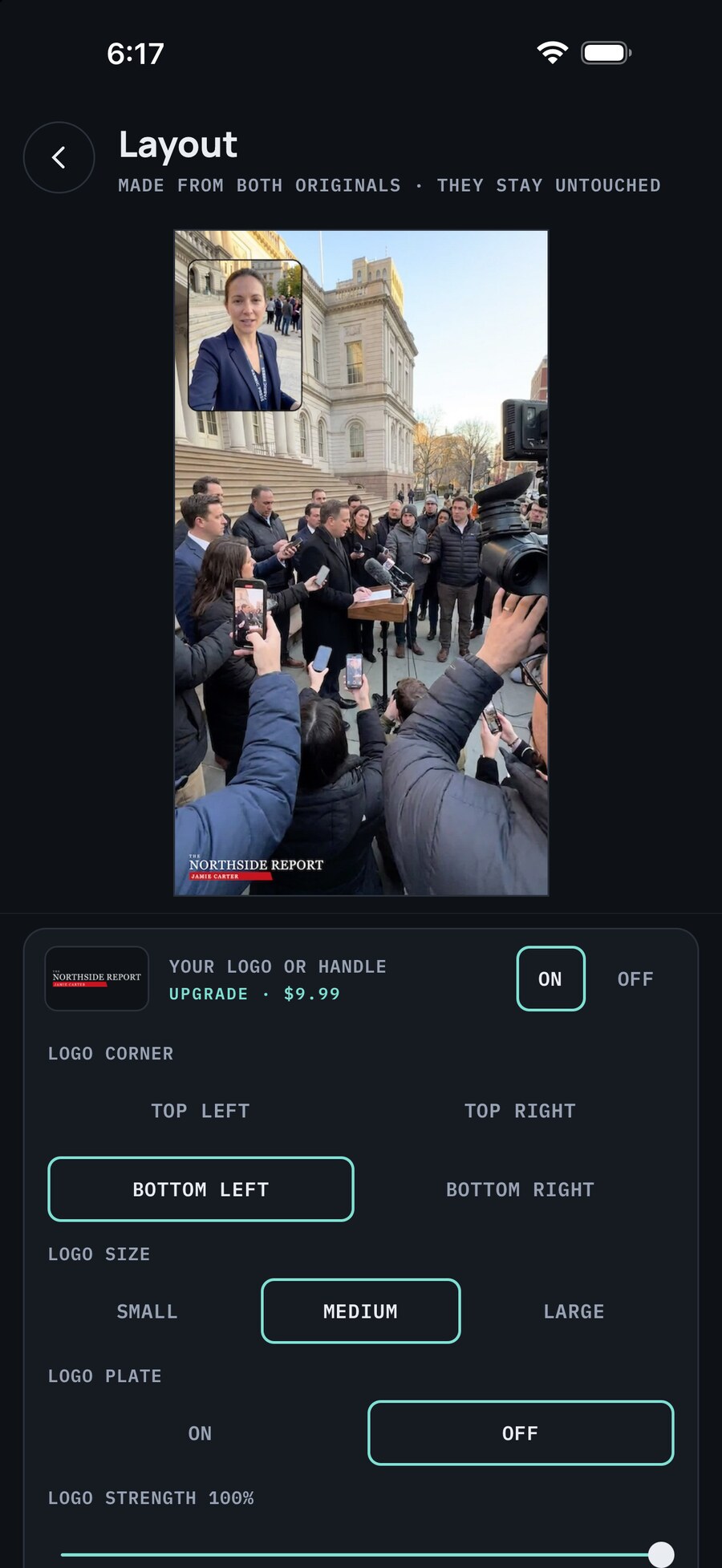
Pick the corner, the size and how strong it shows. It goes on every clip you share, in place of our watermark.
Stand-ups and on-scene reports that look like your station, filmed on a phone.
Every volunteer's video carries the candidate's colors and the date that matters.
Pool companies, contractors, realtors. Walk the job, talk to camera, post it with your logo and handle.
Free
Everything on. Clips you share carry a small Doubleback watermark.
$4.99 once
Your clips go out clean. No subscription.
$9.99 once
Your own logo or handle in place of our watermark. No subscription. Already removed the watermark? The upgrade is $4.99.

Free to download. iPhone 15 Pro and later.
Everything is on from the first take. No account, no trial that runs out.
No sign-up, no upload. Clips stay on your iPhone until you share them.
iPhone 15 Pro and later. Dual needs both cameras running at once, which every supported phone can do.
 doubleback