 doubleback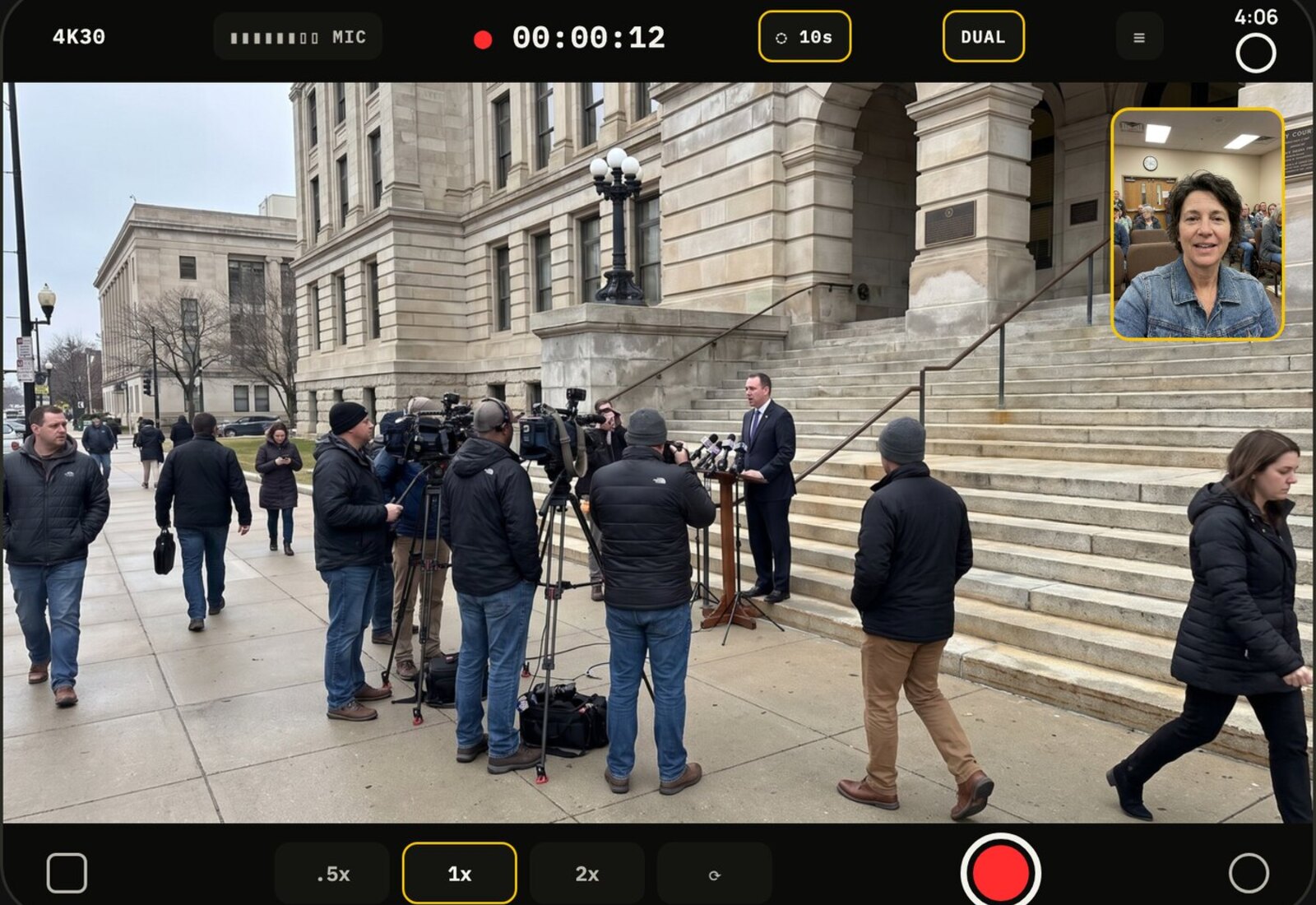
01 · The problem
A phone app in a tablet-shaped screen.
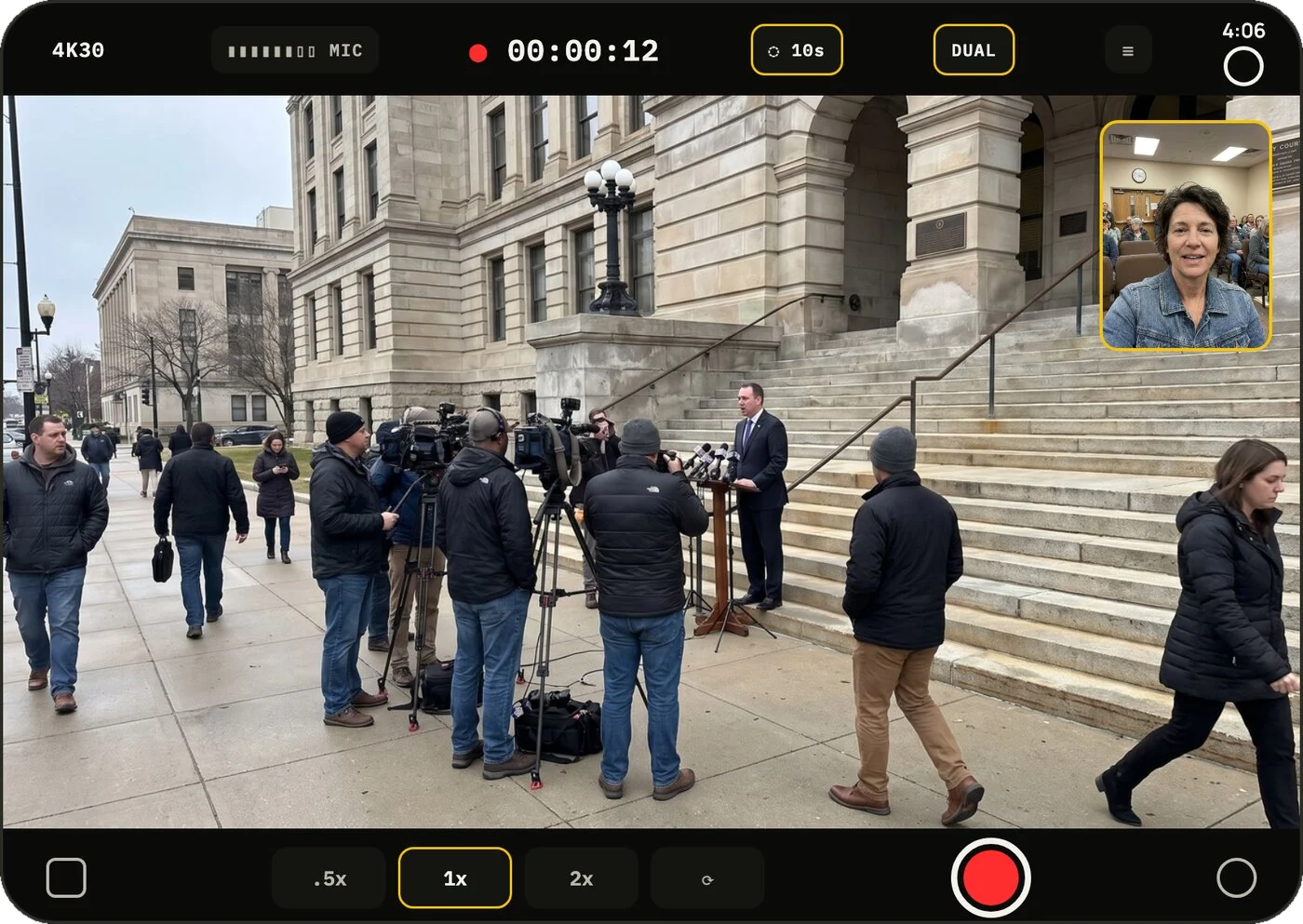
Open a Duo and an ordinary iPhone app sits in a phone-shaped box with black beside it. This is Doubleback on Apple's Duo simulator before we touched it. All that screen, and the picture sits in a box in the corner.
02 · Fill the screen
Never cover the shot.
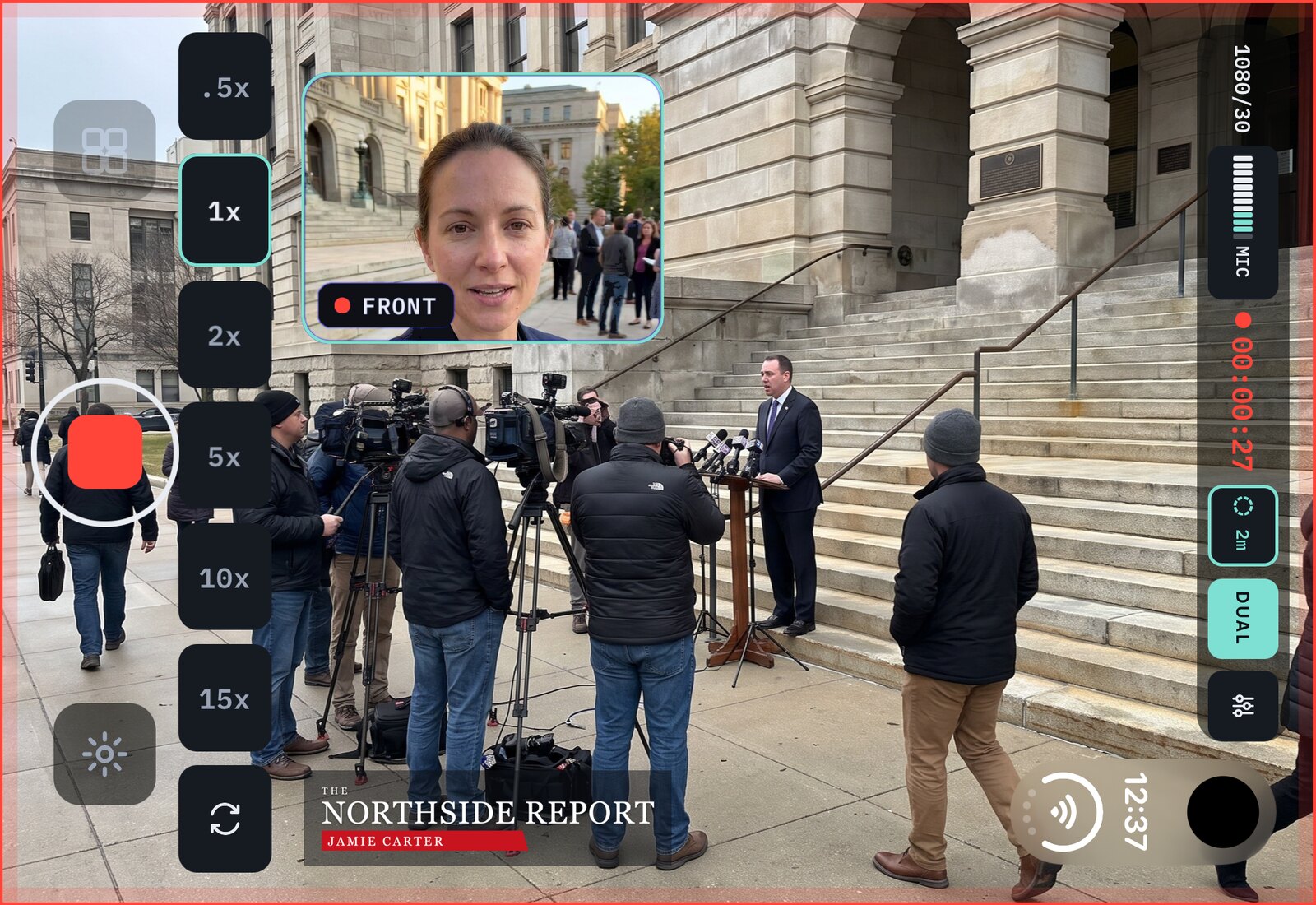
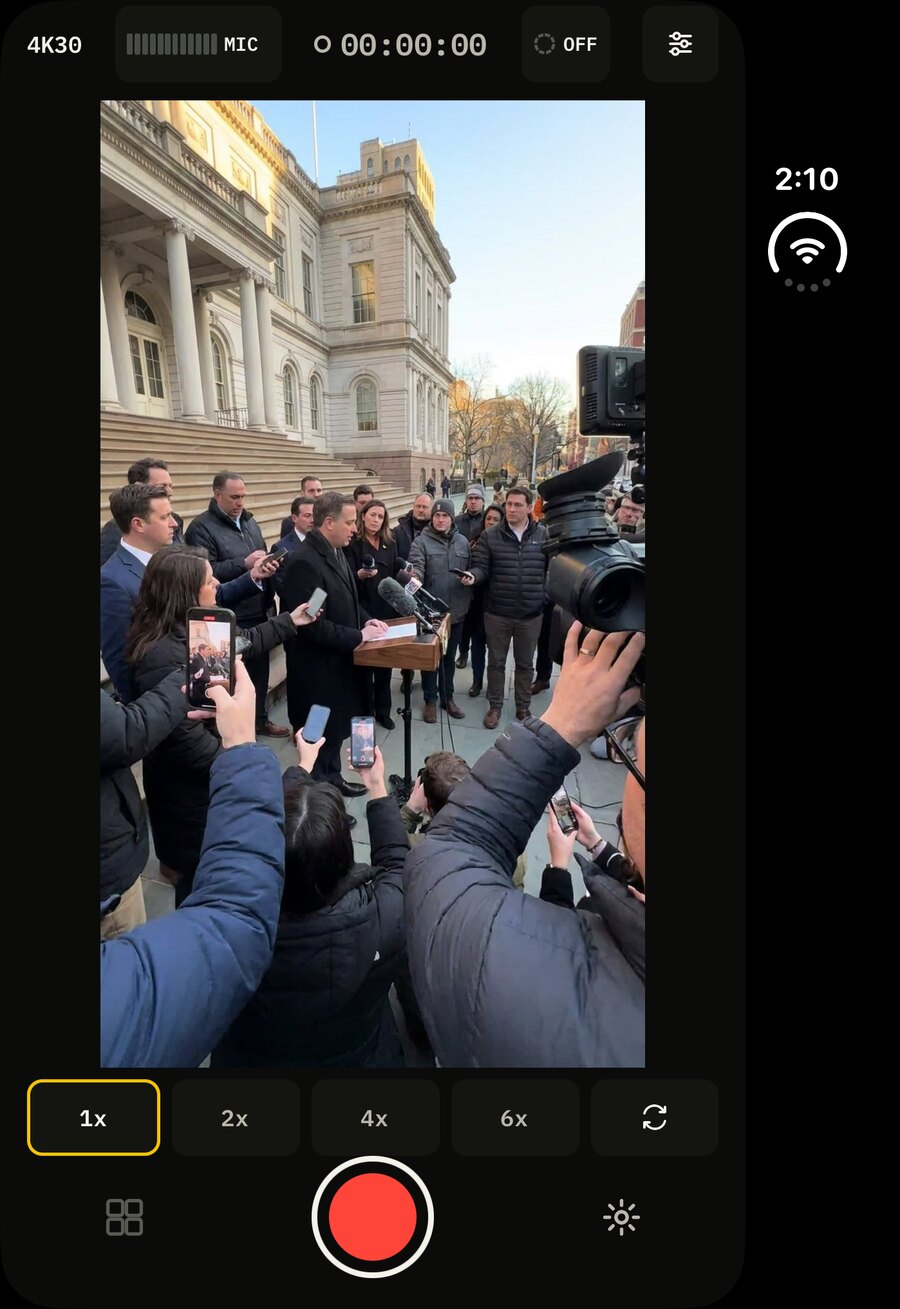
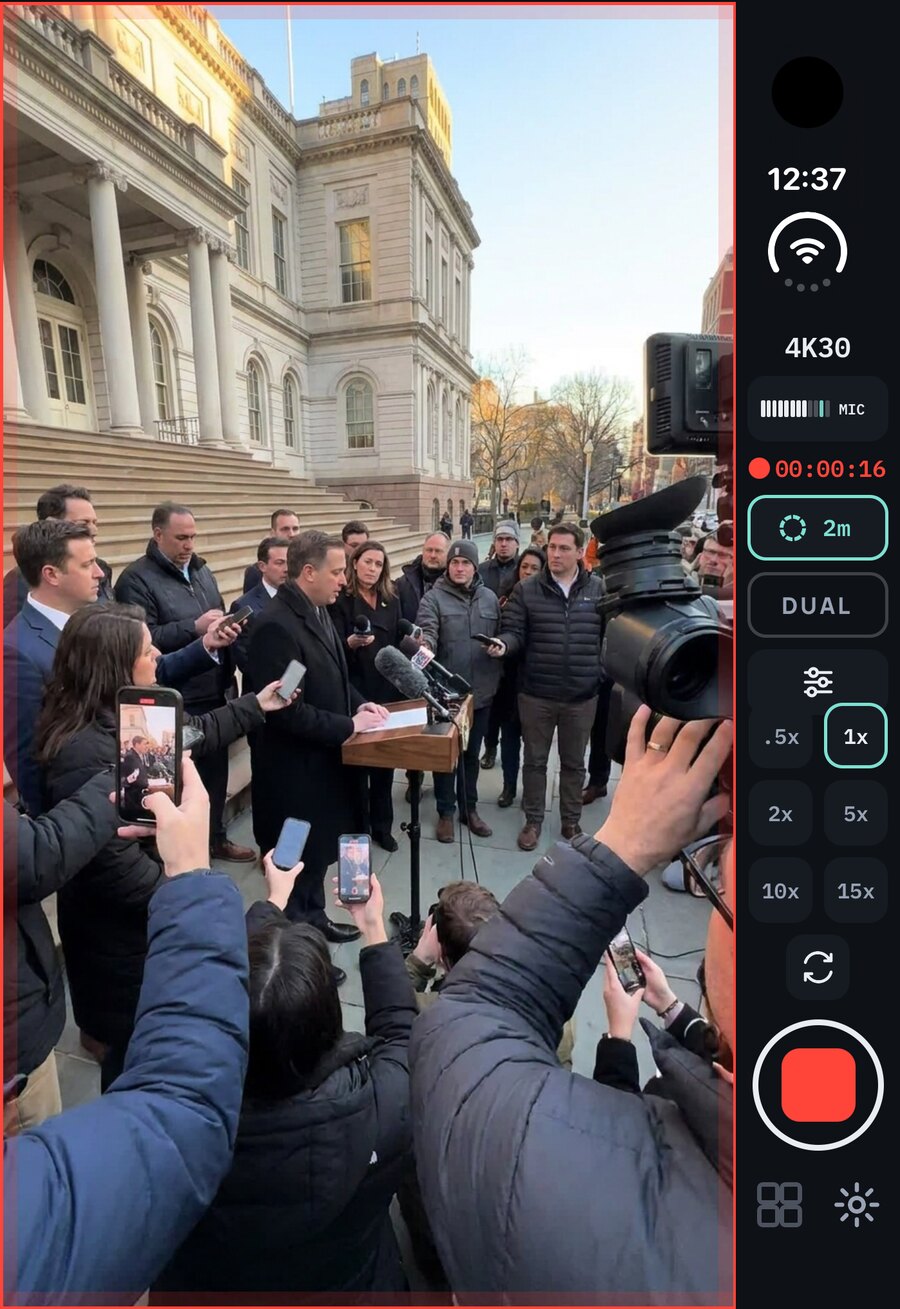
The Duo's screen is 1.41 to 1. Video is 16 to 9. The picture can't fill that screen exactly, so the leftover space is where the controls go. Hold it wide and the picture runs edge to edge. Hold it tall and the picture runs the full height, with every control in one column under your thumb.
Built · in version 1.0.2
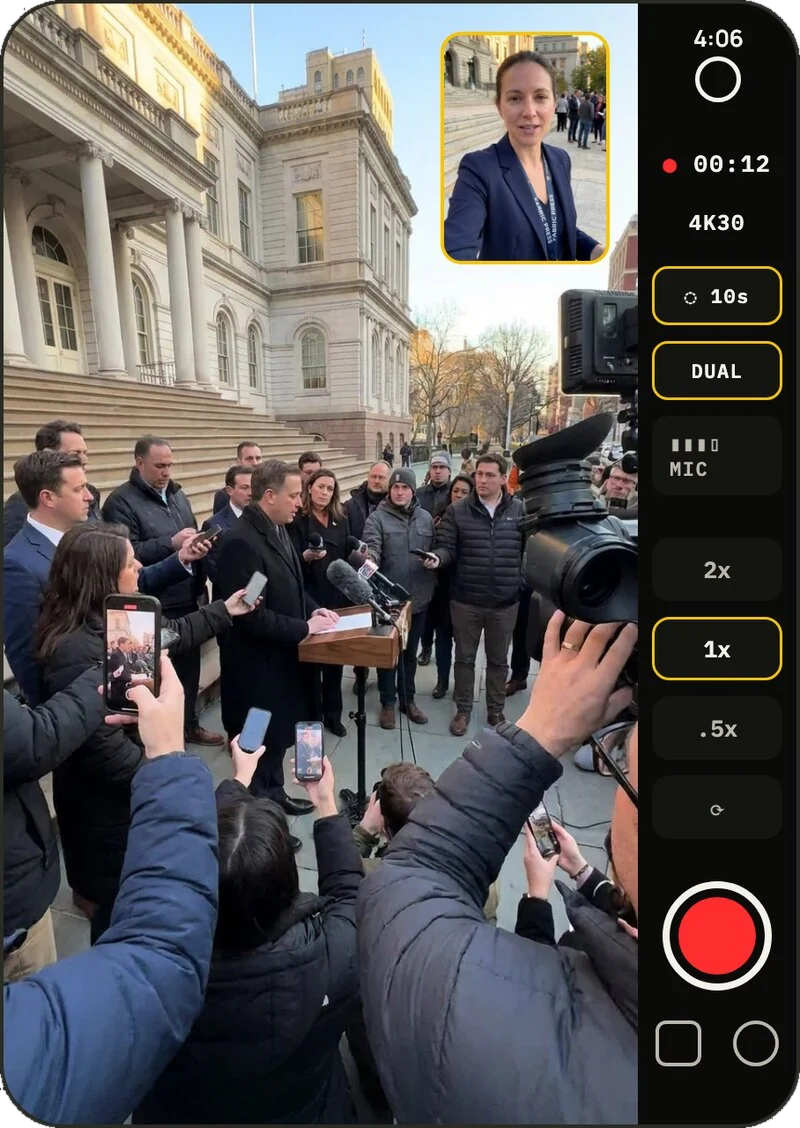
03 · The Duo's own shape
Why not film in it?
The new FULL format records from the whole sensor, so every pixel of the unfolded screen is the shot. A 16 by 9 or 9 by 16 version can still be made afterwards from the same take.
Built · in version 1.0.2
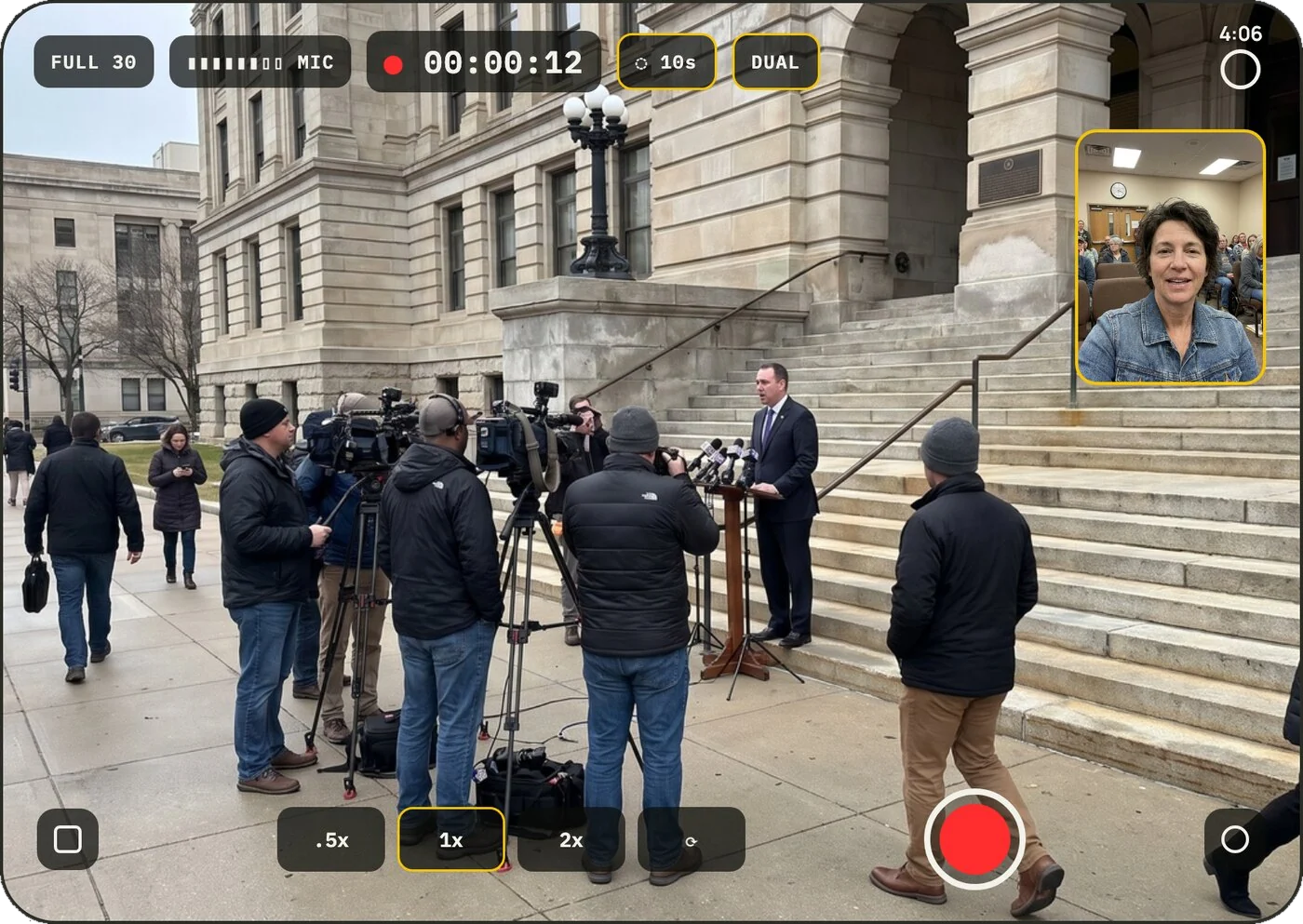
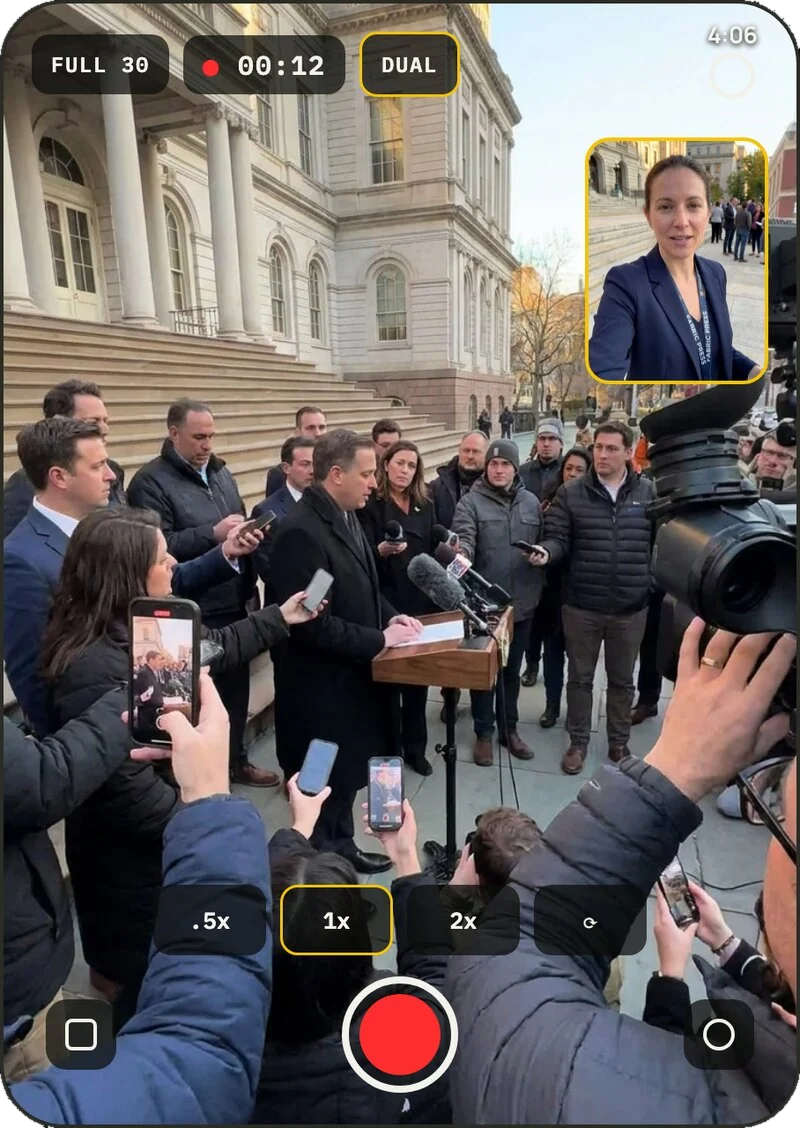
04 · Half open on a table
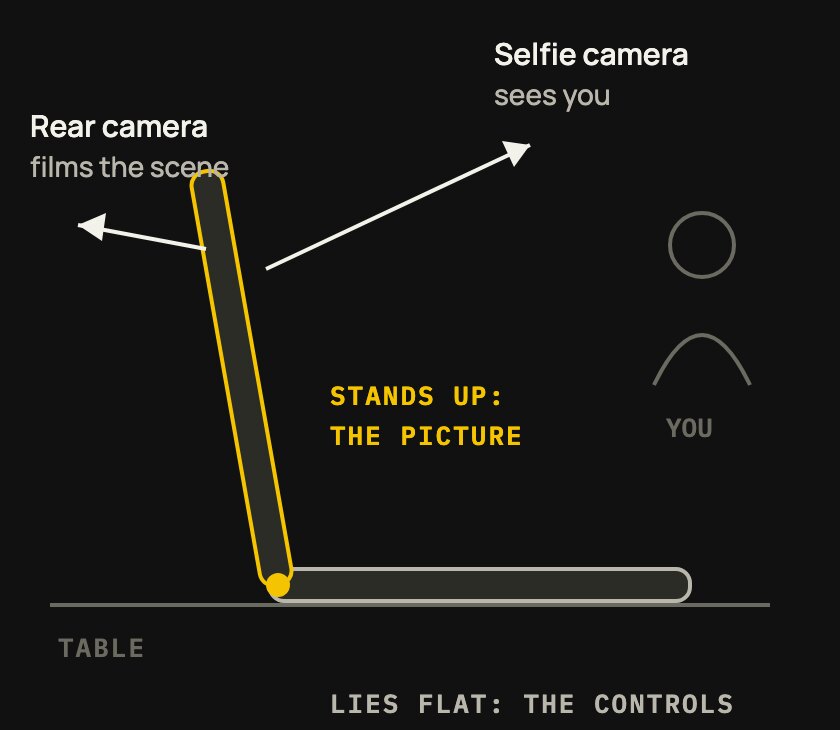
It stands up by itself.
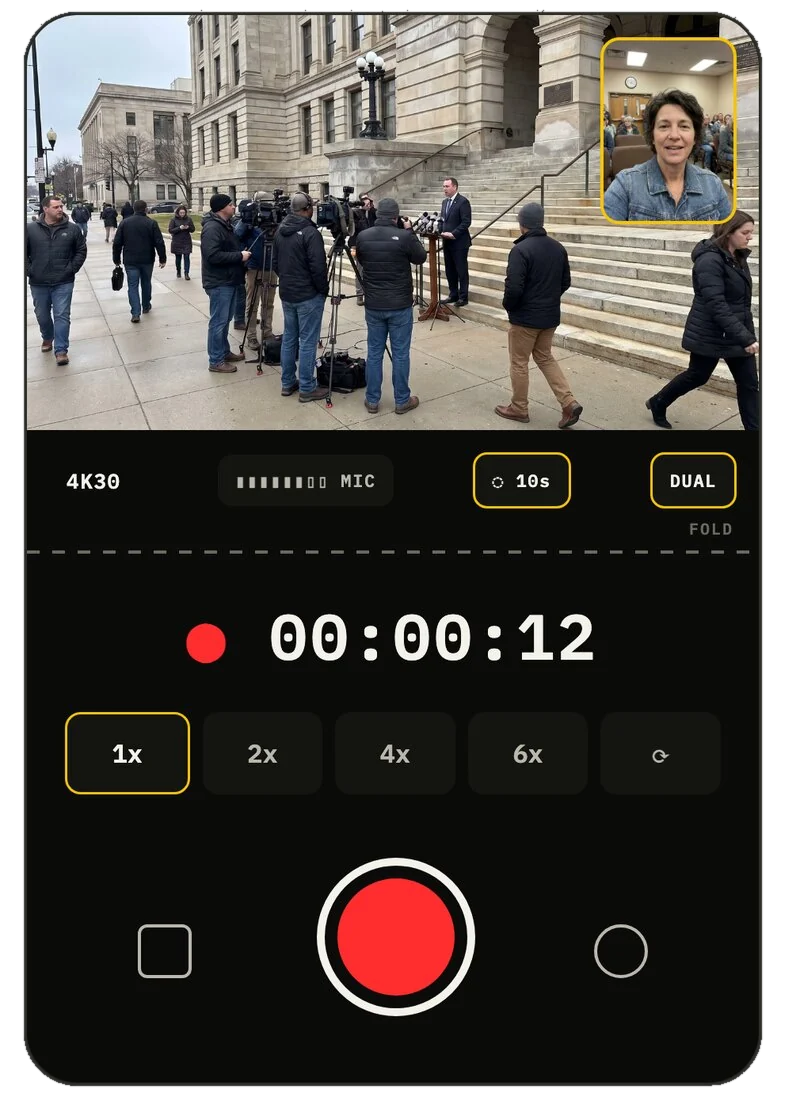
Prop the Duo half open. The standing half is the picture. The flat half becomes the controls: a big clock, big zoom, and a record button you can hit without looking. No tripod. Set it on a table, a wall, a car hood. Both cameras rolling.
Built from the simulator · tested on a real Duo the day it arrives
05 · The tent
A two-sided interview from one phone.
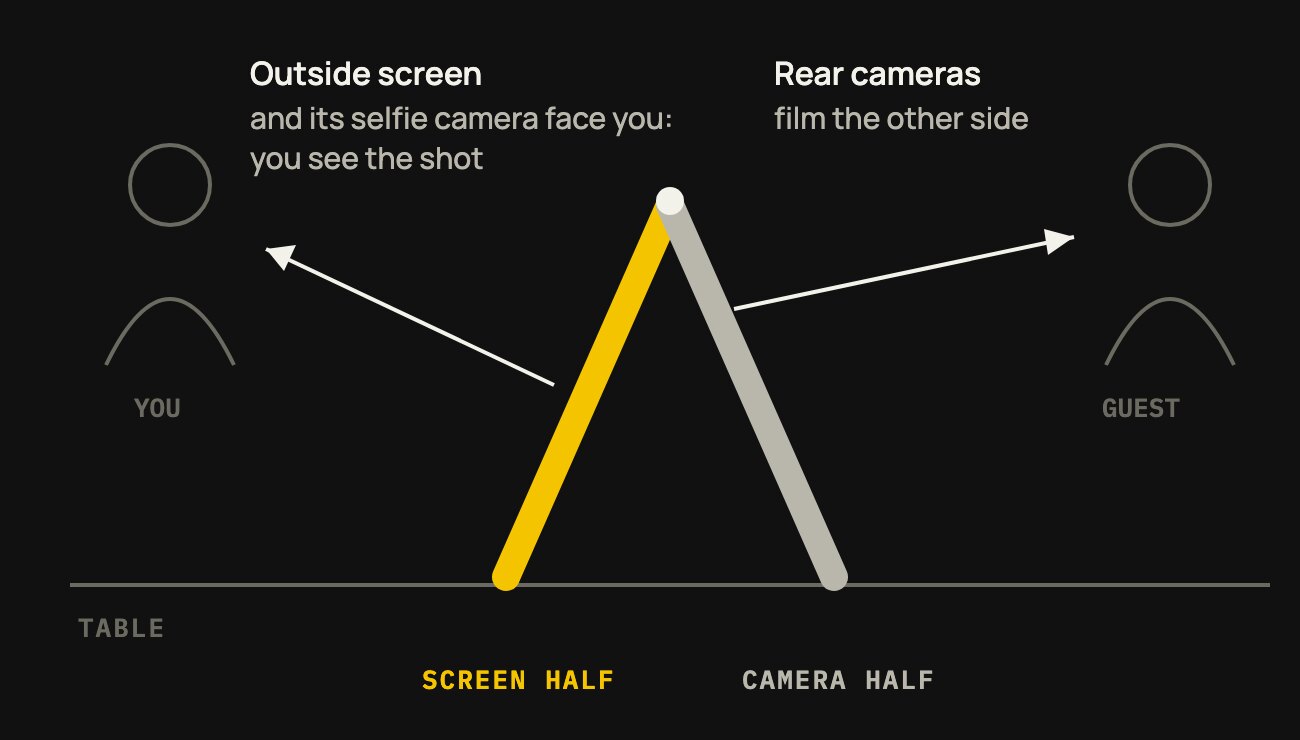
Stand the Duo like a tent in the middle of the table. The rear cameras film the person across from you. The outside screen and its camera face you. One phone gets both people, each on their own camera, each file clean.
On the drawing board
06 · On the simulator
Built before anyone could buy one.
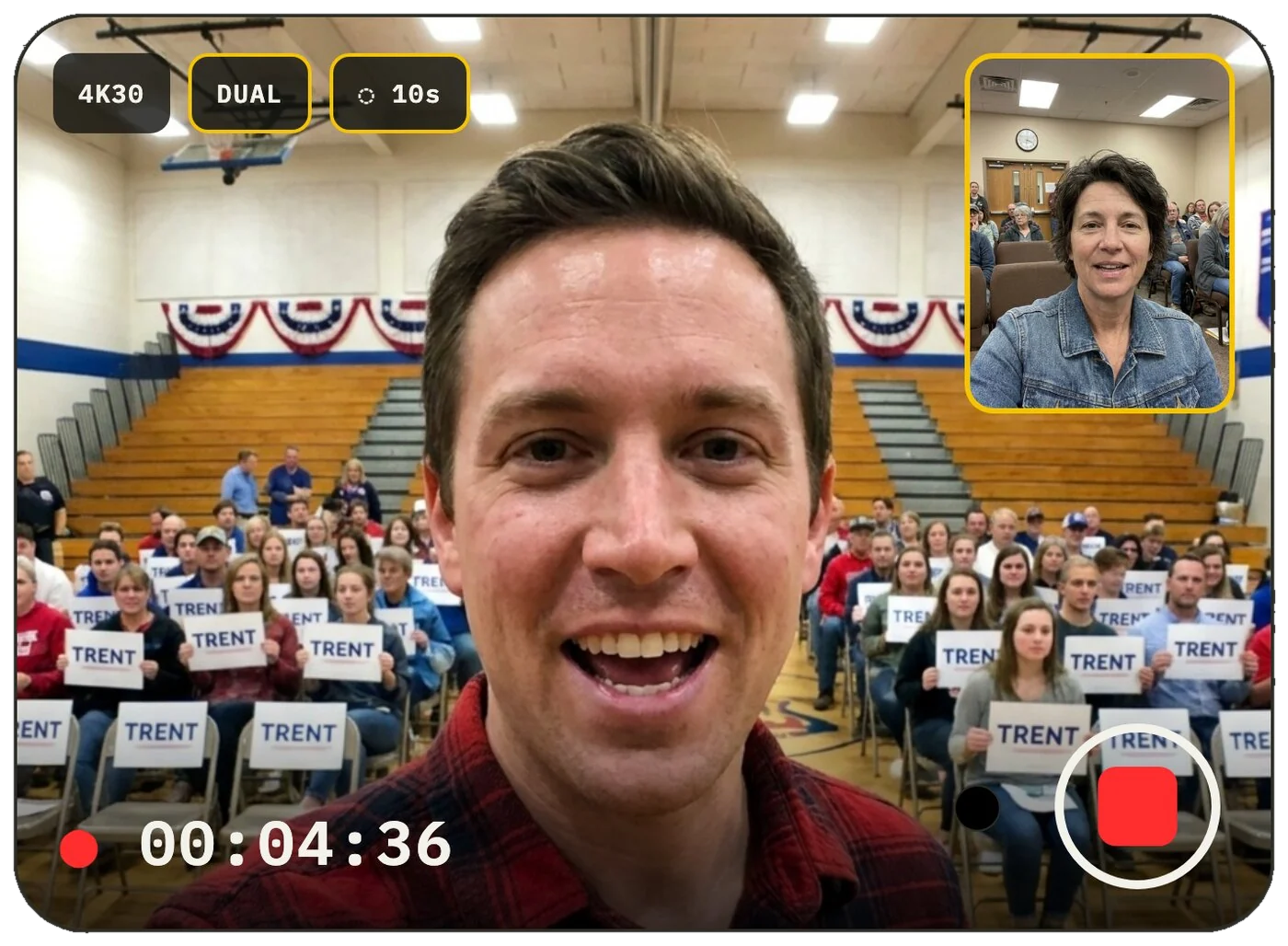
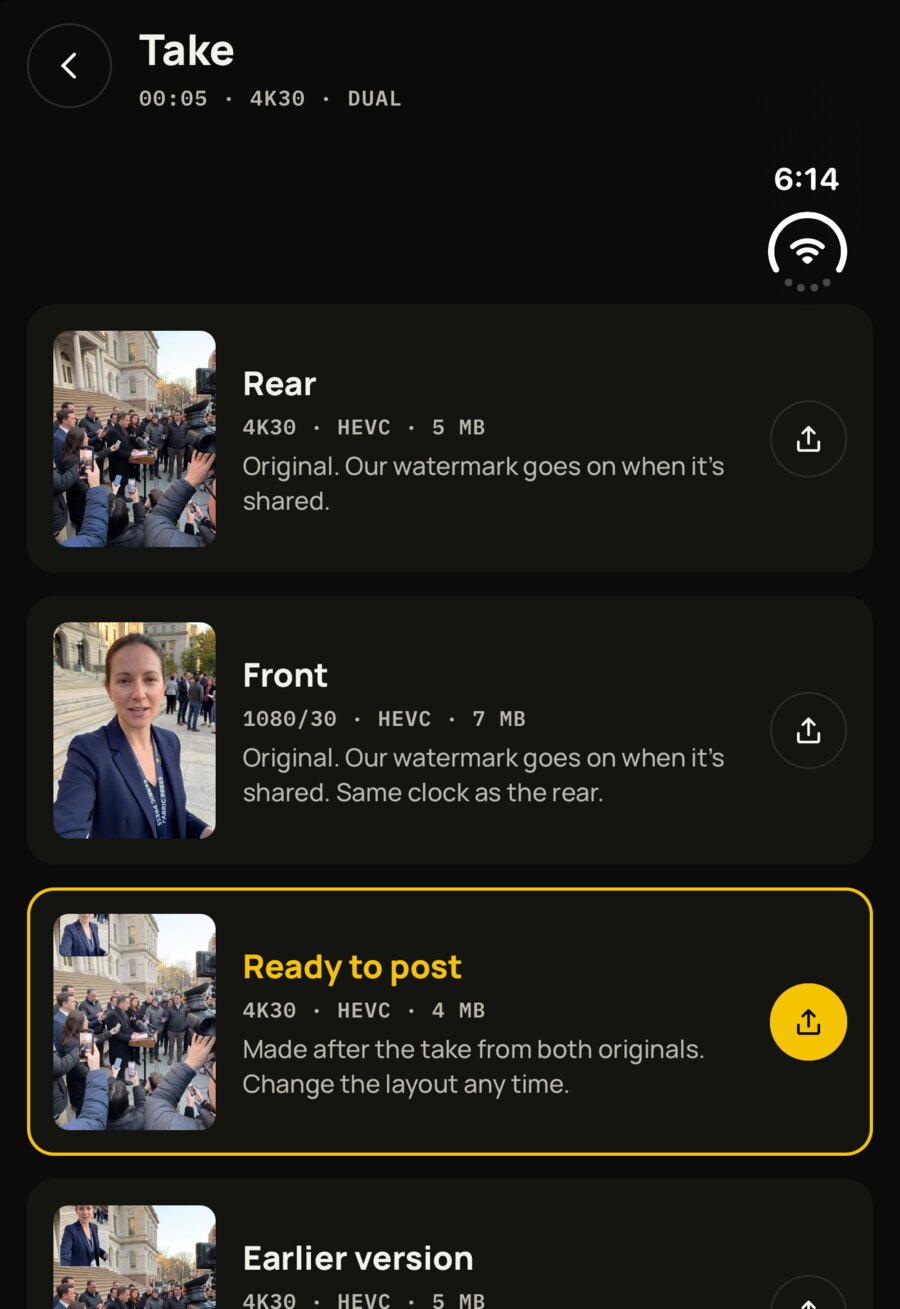
The Duo isn't in stores yet, so all of this was built on Apple's simulator. These are real screens from the app running on it: a take rolling with the picture at full height, and the Take screen. The simulator has no camera, so the scene is a still dropped in where the camera would be.
Ready for iPhone Duo.
2 angles. 2 clean files. 2 minutes of pre-roll. And now the screen to match.

Free to download. iPhone 15 Pro and later.